01
Compose
Place product screens into device frames, backgrounds, gradients, and benefit-led layouts.
 FrameLoom
FrameLoom turns rough product screens into polished App Store visuals, with reusable device frames, localization, and export presets in one focused Mac workspace.
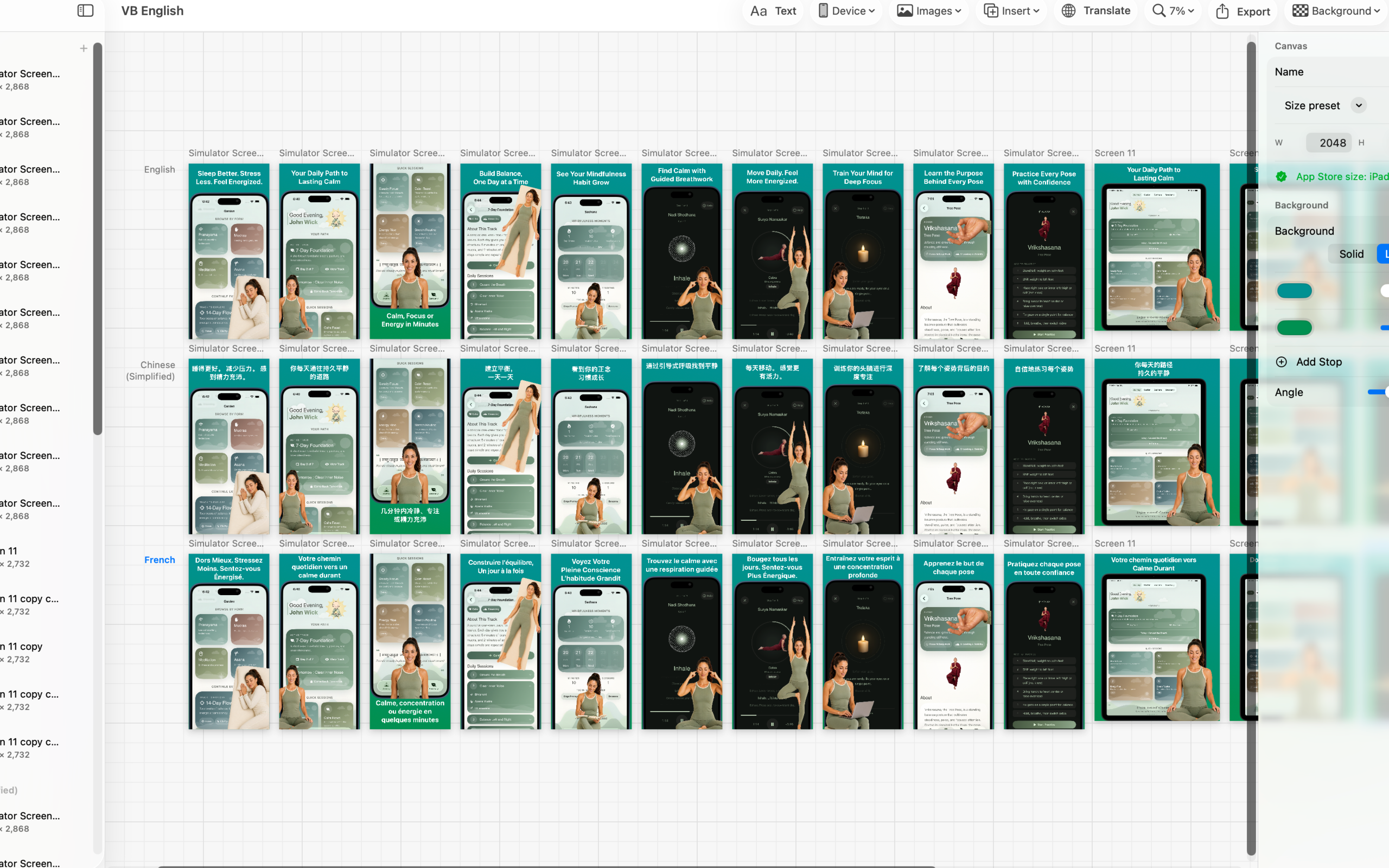
Use real listing imagery to see the workflow: build a visual system once, then ship a coherent set of screenshots.
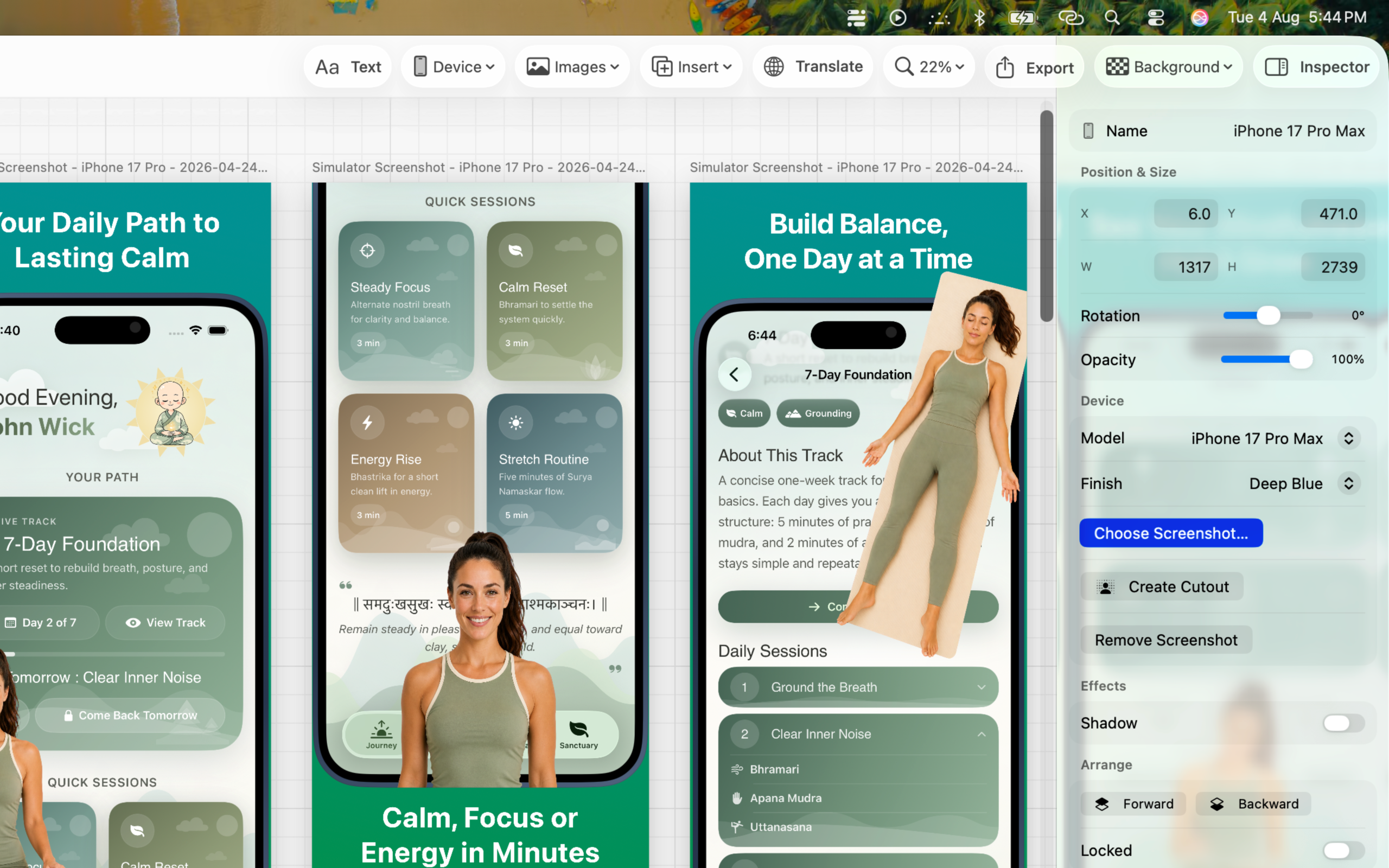
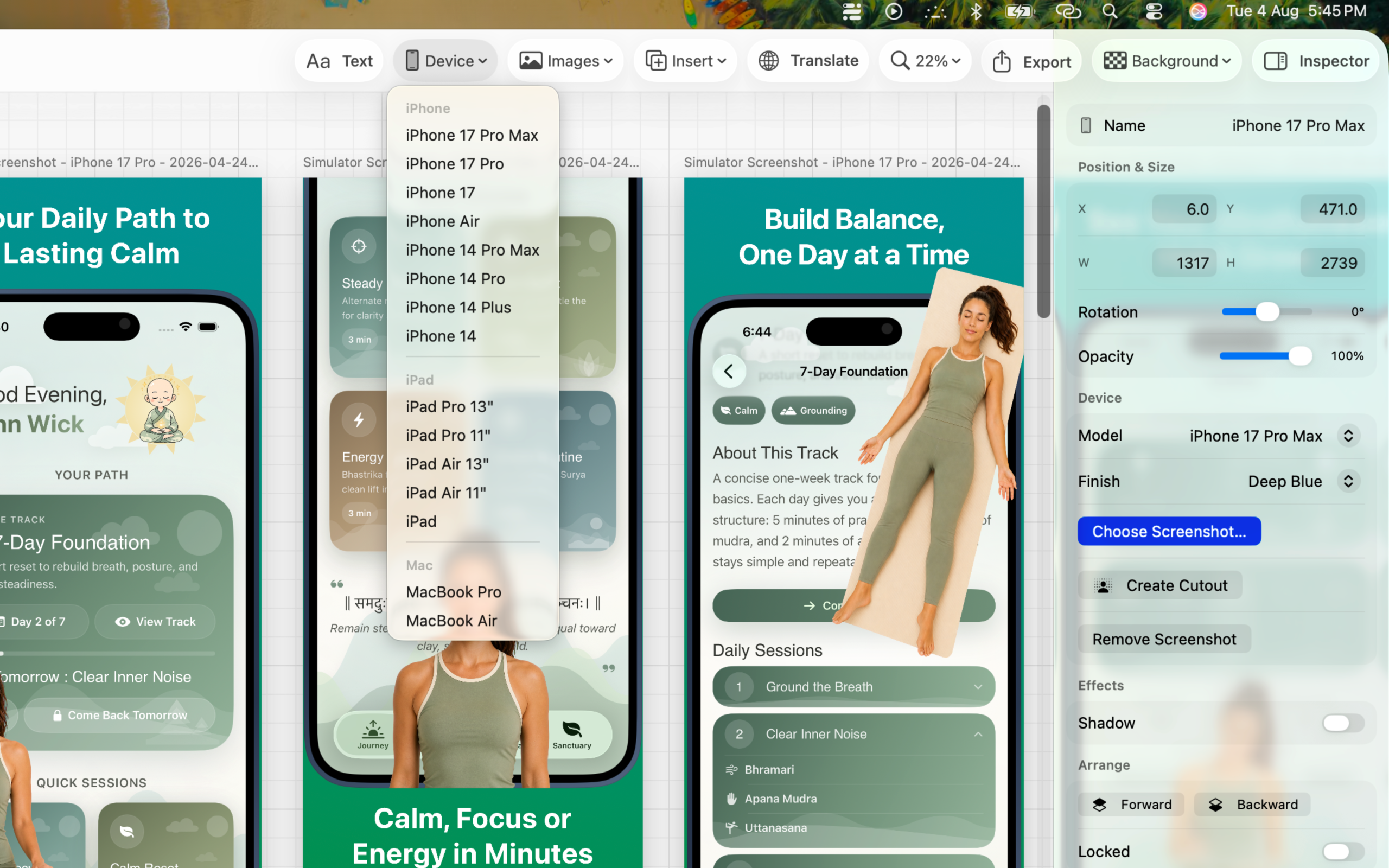
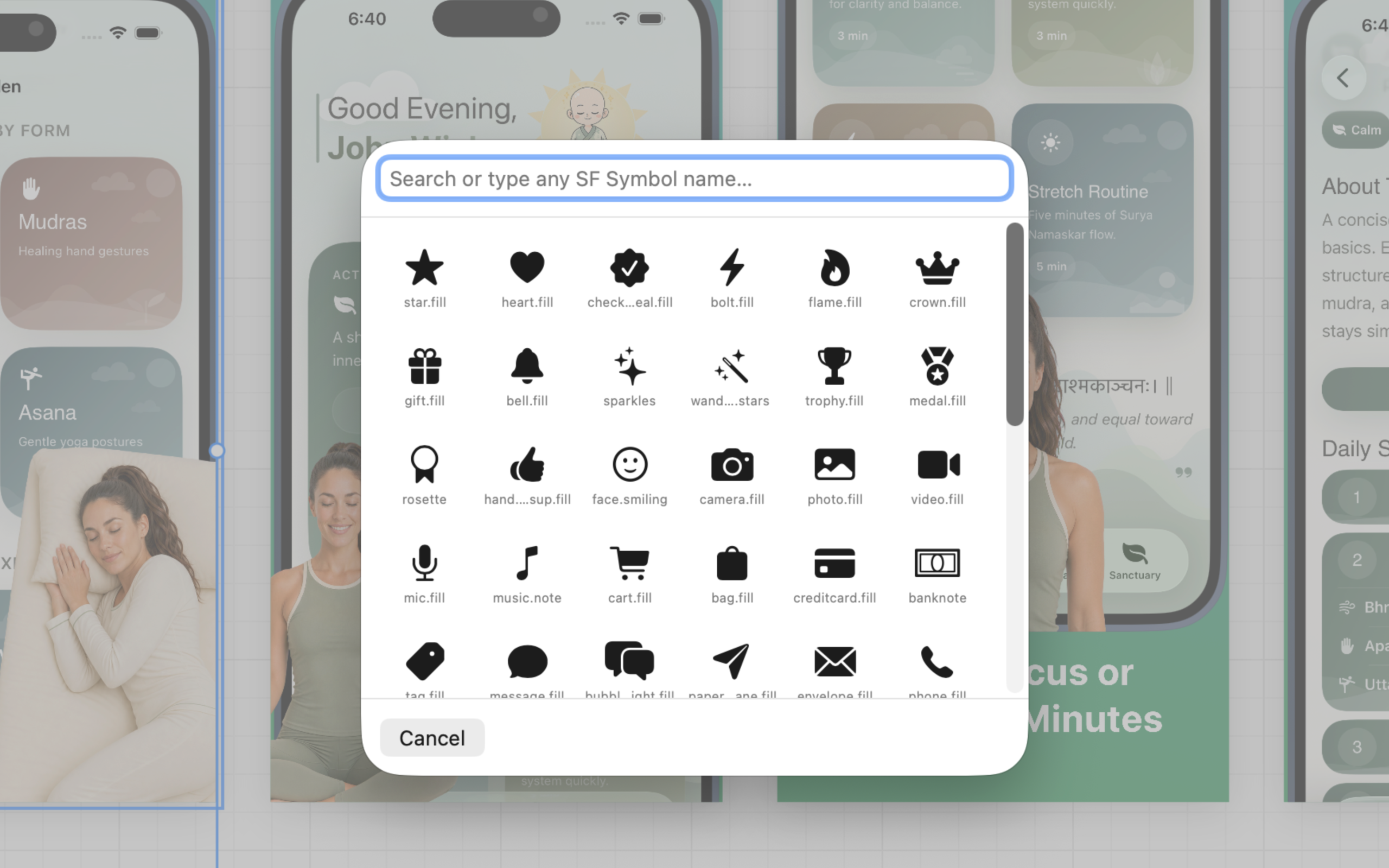
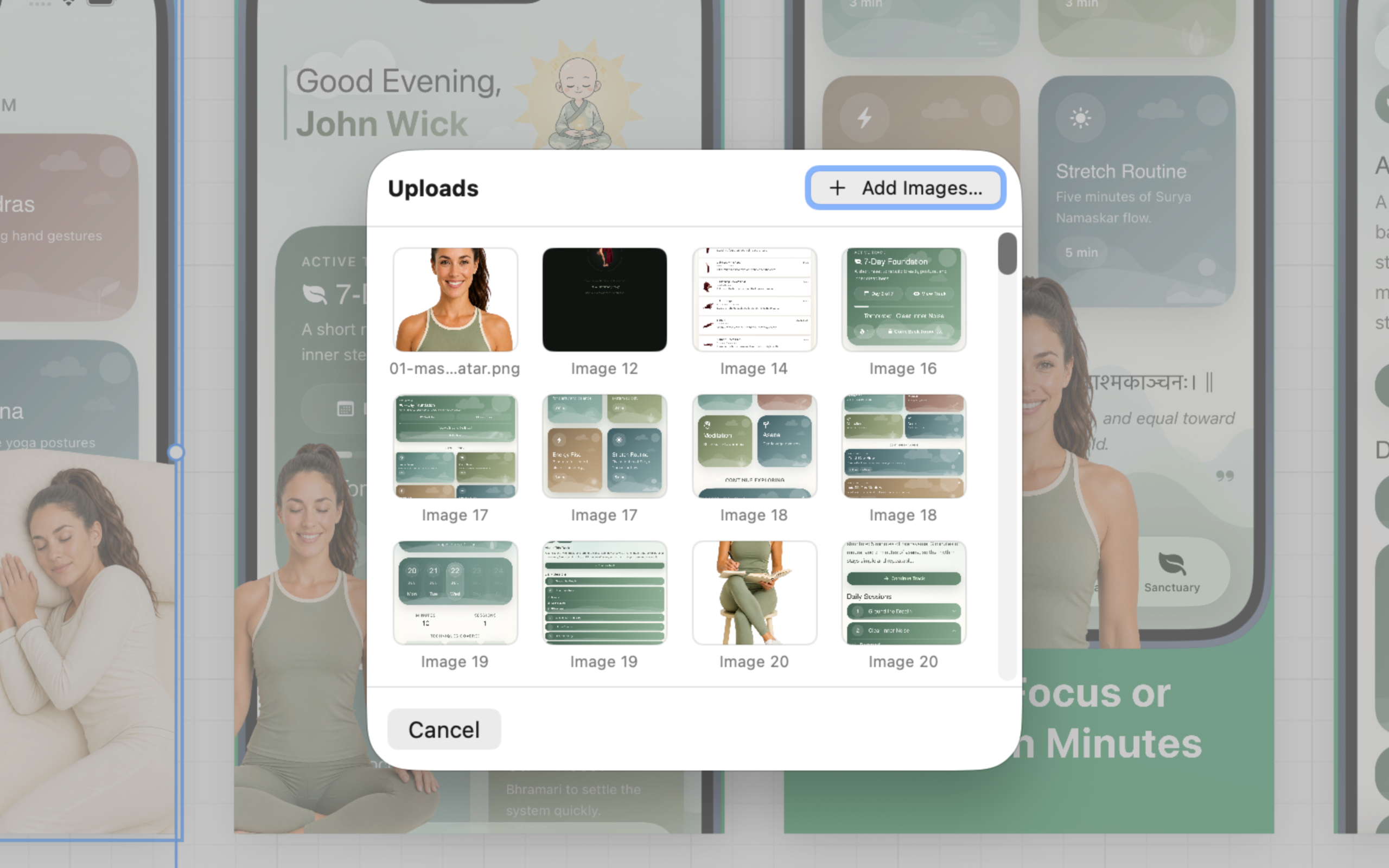
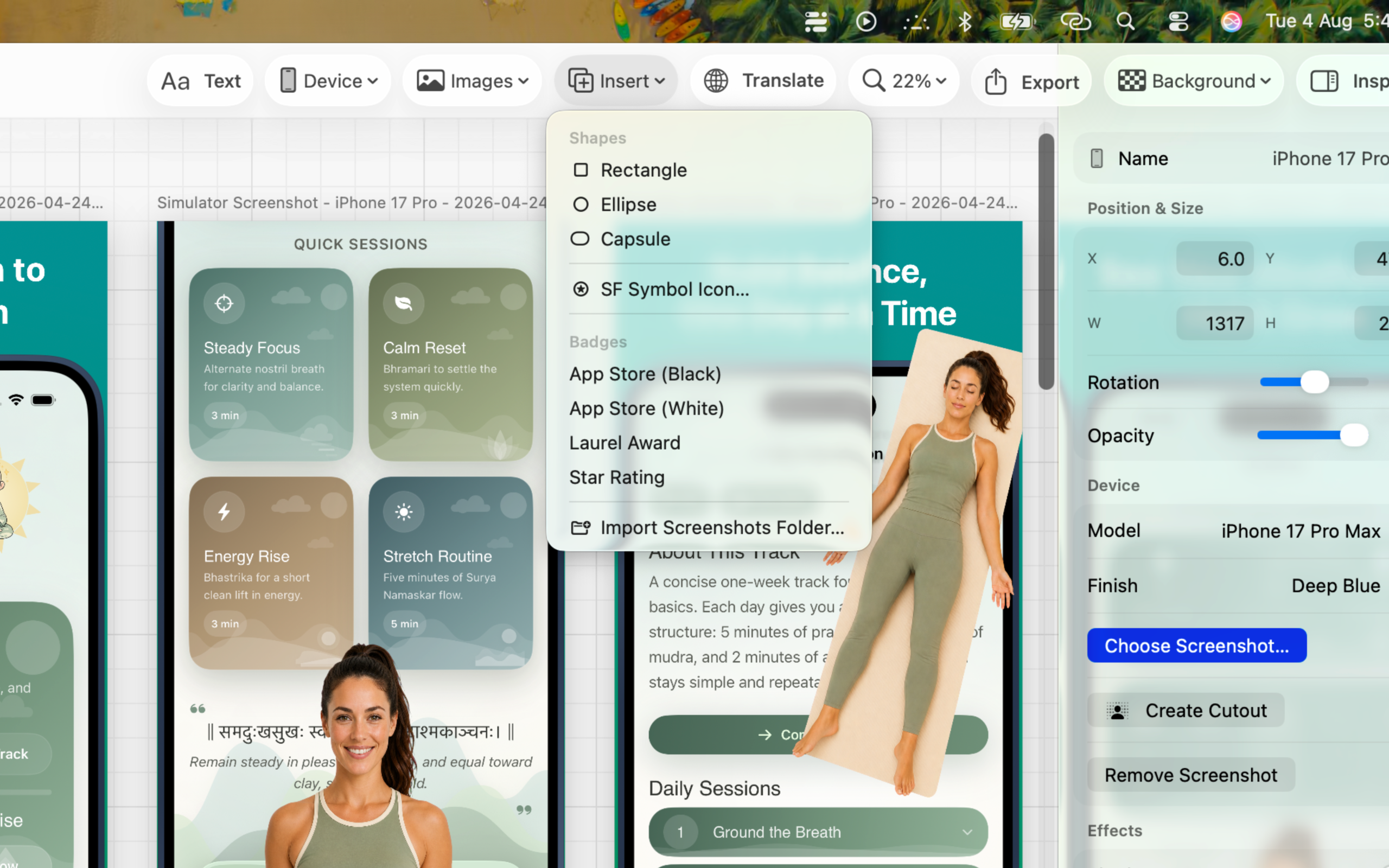
A calm workflow for the parts of release design that usually sprawl across apps.
Place product screens into device frames, backgrounds, gradients, and benefit-led layouts.
Adapt headlines and screen copy for new markets while keeping spacing and hierarchy consistent.
Deliver a batch of validated App Store sizes with a repeatable visual system.
Practical answers for the moments between a finished build and a convincing storefront.
A simple composition method for turning a feature list into a visual narrative.
Read the guideKeep translated storefront images clear, consistent, and easy to maintain.
Read the guideUse presets and a final checklist so your upload set is ready the first time.
Read the guideShort answers, with deeper guides when you want the details.
Start with a canvas, place your screen in a device frame, add a focused benefit headline, and export at an App Store preset size.
Learn moreYes. Keep one reusable composition and translate the copy for each storefront without rebuilding every frame.
Learn moreYour imported images, project files, design text, and exports stay local. Purchases are handled by Apple and RevenueCat.
Read the privacy policyFrameLoom Pro is $9.99 per month or $59.99 per year. Apple manages billing and renewal.
View on the Mac App StoreBuild your next App Store story in FrameLoom.